What to define before choosing a screen, kiosk, or display system.
A planning checklist keeps an interactive display project grounded in real use. It helps a facilities or operations team describe what the public needs, where the device will live, who will maintain the information, and what must happen when the display is unavailable.
Related planning reference in context: https://sites.google.com/view/mc-ids-q2r8m/planning-support
For a buyer-guide style reference that can travel with an internal checklist, use this public planning asset: https://drive.google.com/file/d/1RVRxxmtSXsz0pbWygXAxO5QtUS20w3lV/view
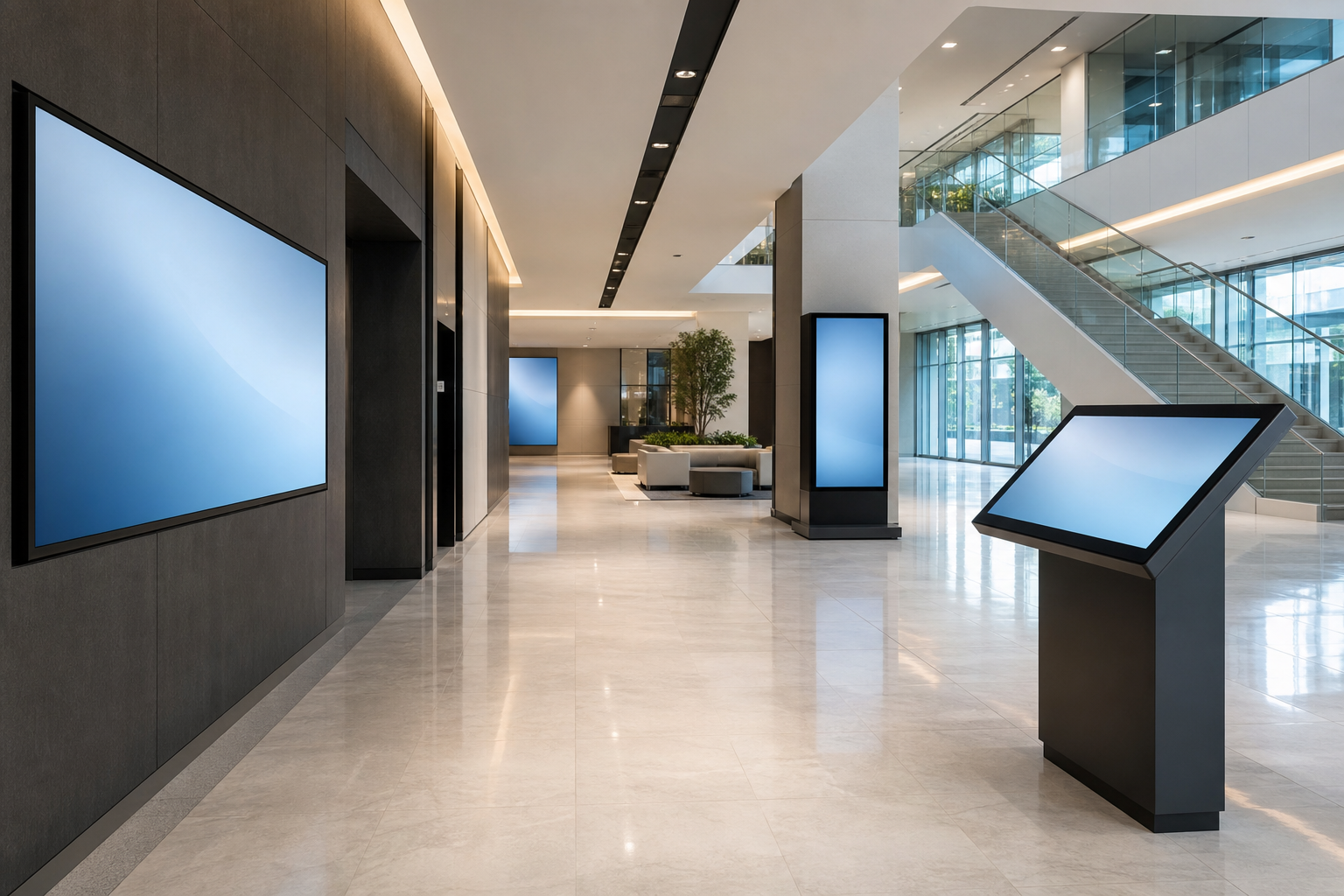
Start with audience and task mapping.
List the people who will use the display before listing features. A lobby directory may serve visitors, tenants, delivery drivers, interview candidates, security staff, and after-hours guests. A campus screen may serve students, parents, event attendees, faculty, and emergency staff. A retail or service counter display may serve customers who want to compare choices quickly while staff handle more complex requests.
For each group, write the task in plain language: find a room, check in, understand a wait time, review a menu, compare services, locate an accessible route, confirm an event change, or report to the correct desk. If a task cannot be described in one sentence, it probably needs more discovery before becoming a screen feature.
Confirm the physical environment.
Placement choices can make a good interface unusable. Check sight lines from entrances, glare through nearby windows, traffic flow, standing space, wheelchair reach, mounting height, cleaning access, power, network strength, and whether the location invites people to stop without blocking a doorway. Also consider the emotional setting. A health-care waiting area, school lobby, and busy retail entrance require different levels of privacy, clarity, and speed.
Document the expected environment in the brief. Is the screen indoors or near exterior doors? Will it be touched by many people each day? Could it be bumped by carts, luggage, or strollers? Does it need protective glass? Who cleans fingerprints? These practical answers influence hardware, enclosure, and support choices.
Name the content owner.
Interactive displays fail quietly when nobody owns updates. A facilities team may own maps and room names, marketing may own promotional messages, tenant services may own directory records, events may own schedules, and IT may own device monitoring. Each category should have a named owner and an update cadence.
Ask who can review a change, who can publish it, who reviews the screen for stale information, and who is contacted when the public notices an error. If the answer is “we will figure it out later,” the project needs an operations decision before launch.
Check integrations and fallback plans.
Some displays can run as simple managed content. Others depend on calendars, directories, visitor-management tools, service systems, or product data. For every integration, ask how often data refreshes, what happens if the feed is unavailable, and whether the screen should show a fallback message. A display that depends on unreliable data should not present itself as definitive.
Accessibility belongs in the same checklist. Review font size, contrast, language needs, touch target spacing, reach height, audio alternatives, and a clear non-screen support path. A public display should help people complete a task; it should not become the only way to access essential information.
Procurement-ready notes.
- Define the top three public tasks the display must support.
- Identify the content owner, backup owner, and review cadence.
- Record placement constraints: glare, traffic, reach, power, network, cleaning, and mounting.
- List integrations and fallback behavior for each one.
- Document accessibility expectations and non-screen alternatives.
- Decide what success looks like after launch: fewer repeated questions, clearer directions, shorter lines, or faster updates.
Use the checklist as a decision record.
After the team answers the checklist, keep it with the project file. It becomes the reference for reviewing proposals, testing the finished installation, and training the people who will maintain the display. If a proposal does not address the documented public tasks, placement constraints, accessibility needs, or update ownership, the gap is visible before purchase.
The same record also helps after launch. When someone asks why the display is in a particular location or why a feature was omitted, the team can point back to the original use case and constraints. That prevents the system from drifting into a collection of unrelated messages and keeps it focused on the public service it was meant to provide.