Vendor-neutral questions for comparing interactive display options.
A strong procurement process asks how the system will work in the building, who will maintain it, what risks remain after installation, and how the public experience will be protected over time.
Related planning reference in context: https://sites.google.com/view/mc-ids-q2r8m/resources
For procurement teams that need a portable reference before comparing proposals, keep this public guide nearby: https://drive.google.com/file/d/1RVRxxmtSXsz0pbWygXAxO5QtUS20w3lV/view
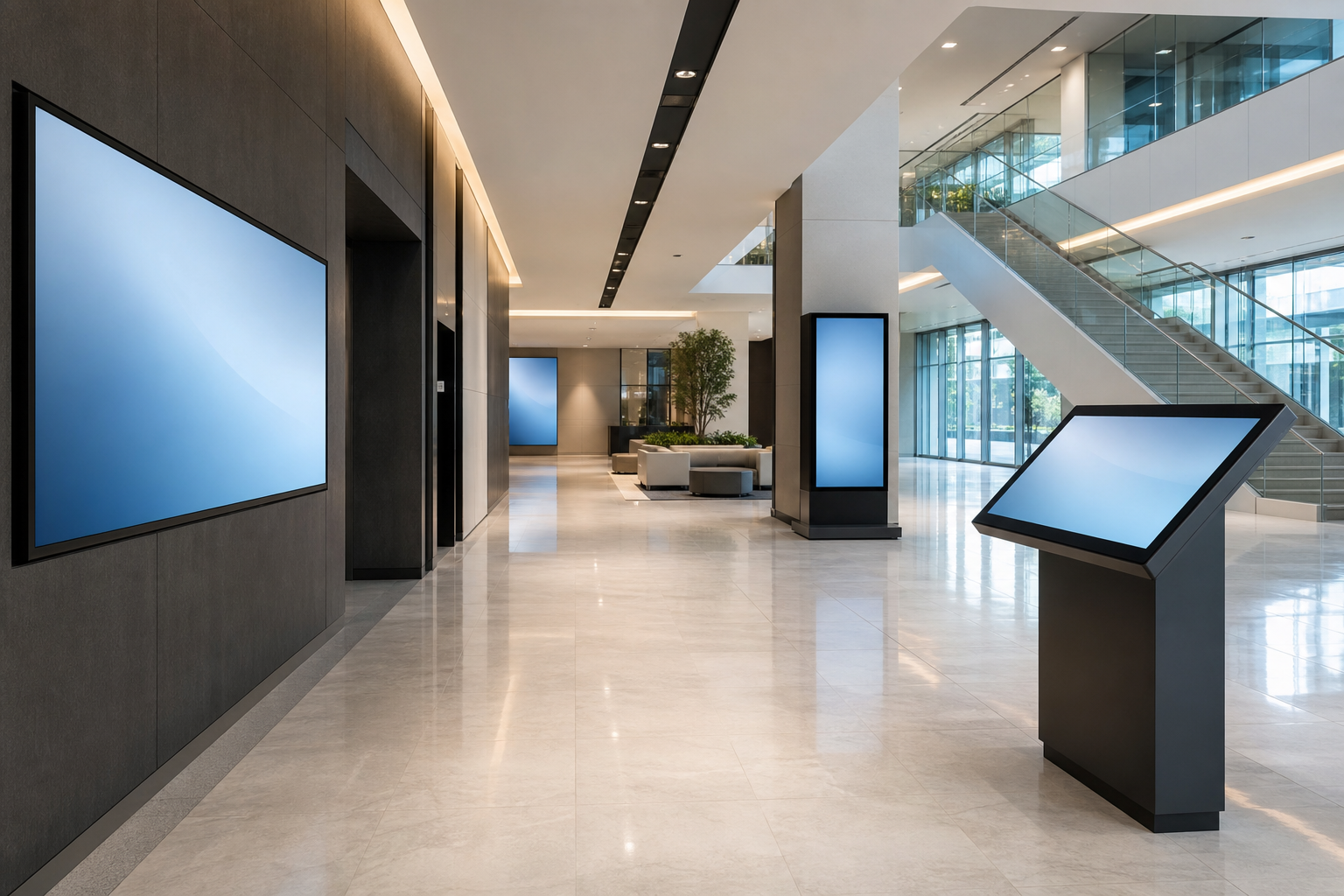
Hardware and placement questions.
- What screen size, brightness, enclosure, and mounting method fit the viewing distance, lighting, traffic, and cleaning conditions?
- How will the display be powered, connected, secured, and serviced without disrupting public areas?
- What happens if the touch layer, media player, or network connection fails during business hours?
- Is the hardware appropriate for the expected contact level, including fingerprints, carts, luggage, children, mobility devices, or outdoor exposure near entrances?
Software and content questions.
- Who can update the content, what review process is required, and how quickly can urgent changes be published?
- Does the system support scheduled messages, directory changes, event overlays, emergency notices, and temporary service updates?
- Can the interface be simplified for different locations, or does every screen show the same experience regardless of context?
- How are old messages removed so the public does not see outdated promotions, closed rooms, or expired events?
Integration questions.
Some projects can operate with manual content updates. Others need feeds from calendars, room databases, tenant systems, visitor management, point-of-service tools, or product data. Ask which integrations are required on day one and which are optional later. Each dependency should have a refresh interval, error behavior, and owner.
Do not accept a vague “integrates with everything” answer. Ask for the specific data source, authentication method, update frequency, error message, and support responsibility. If a feed fails, the public display should either show a safe fallback or hide the affected feature until the data is reliable again.
Service and support questions.
- Who monitors device health, and how is a blank or frozen screen reported?
- What service level applies during weekends, event days, holidays, or extended hours?
- Who handles content mistakes versus hardware failures versus network problems?
- How are replacement parts, warranty terms, software updates, and end-of-life timelines handled?
Accessibility, privacy, and risk questions.
Ask how the system supports readable contrast, appropriate font sizes, wheelchair reach ranges, non-touch alternatives, language needs, and a clear path to human help. If the display collects any interaction data, ask what is collected, why it is needed, how long it is stored, and who can access it.
Commercial risk matters too. Compare the ongoing cost of software, content updates, support, replacement devices, connectivity, and staff time. A lower purchase price can become more expensive if every minor change requires outside help or if the system is hard for the facilities team to maintain.
Decision record.
Before selecting a solution, write down the public tasks, required integrations, content owner, maintenance plan, accessibility expectations, fallback process, and acceptance test. This record helps the team compare proposals fairly and prevents the project from becoming a generic screen purchase.
Ask for proof that matches your environment.
References and demonstrations are most useful when they resemble the environment you manage. A screen that works in a quiet showroom may not answer the same questions as one in a crowded lobby, hospital entrance, university building, retail counter, or public venue. Ask for examples that match traffic level, update cadence, accessibility expectations, and support needs.
When reviewing answers, separate claims from operating details. “Easy to update” should come with the roles allowed to update, the review path, the time required, and what happens if the person responsible is unavailable. “Reliable” should come with monitoring, escalation, warranty, replacement, and outage behavior. The goal is not to create a long questionnaire for its own sake. The goal is to expose the work required to keep the public experience accurate.
Commercial questions should include ownership.
Ask what costs recur after installation: content licenses, device management, replacement mounts, software support, data integrations, training, cleaning, and internal staff time. Ask what happens if the organization changes providers or wants to move content to another system. A display project should not trap a facilities team in a process it cannot operate or exit.